25 takabet App – Download & Install on Android
Get the full 25 takabet experience on your Android phone. Play 2,600+ games, deposit with bKash or Nagad in under 5 minutes, and follow cricket or football live — all from one compact APK.
App vs. Browser: What You Get Extra
The 25 takabet app and the mobile website run on the same account. But the app adds a few things the browser version can't match — faster load times, push alerts when a match is about to start, and one-tap bKash deposits without retyping credentials each visit. The table below compares what matters for daily use in Bangladesh.
| Feature | 25 takabet App (Android) | Mobile Browser |
|---|---|---|
| Page load speed | Faster – cached assets | Depends on connection |
| Push notifications | Live score & bonus alerts | Not available |
| Biometric login (fingerprint) | Supported on Android 8+ | Not available |
| One-tap deposit (bKash / Nagad) | Saved payment method | Re-enter each session |
| Full game library | All 2,600+ games | All 2,600+ games |
| Live cricket & football scores | Visible while playing | Separate tab needed |
| Offline access to account info | Balance & history cached | Needs connection |
| BDT currency display | Always | Always |
| APK file size | 41 MB (download once) | No install required |
| Minimum Android | Android 8.0 (Oreo) | Any modern browser |
Already have an account? Log in via the app and everything syncs instantly — balance, bonus progress, and transaction history all carry over.
Android APK Install Guide
Follow these five steps. The whole process takes about two minutes on a 4G connection. You only need to do the "unknown sources" step once per device.
-
1
Allow Unknown Sources
On your Android phone go to Settings → Security → Install Unknown Apps. Find your browser (e.g. Chrome) in the list and toggle Allow from this source to ON. This lets Android accept APK files from outside the Play Store. You can turn it off again after installing — it does not affect other apps.
-
2
Download the APK File
Tap the Download APK Free button on this page or scan the QR code above. Your browser will save
25takabet.apk(41 MB) to your Downloads folder. Make sure you are on a stable Wi-Fi or 4G connection — a broken download produces a corrupt file that will not install. -
3
Open & Run the Installer
Pull down the notification shade and tap 25takabet.apk to start the installer. Android shows a permissions summary screen — read it, then tap Install. The install usually finishes in under 30 seconds. If Android says "Parse error," the download was incomplete — delete it and try again.
-
4
Launch & Log In
Tap Open on the install screen or find the 25 takabet icon on your home screen. Enter your registered username and password. If you do not have an account yet, tap Register — the full sign-up form is built into the app and takes under three minutes to complete.
-
5
Deposit & Start Playing
Go to Cashier → Deposit, choose bKash, Nagad, Rocket, Upay, or Bank Transfer. Minimum deposit is ৳400. Funds arrive within 5 minutes. New players automatically qualify for the 190% first-deposit bonus — check the Bonus & VIP page for wagering details before claiming.
iPhone & iPad: Add to Home Screen
Apple does not allow sideloaded APKs. iPhone and iPad users can add the 25 takabet website as a Progressive Web App (PWA) — it runs full-screen and looks like a native app.
-
1
Open Safari and go to 25takabet.co. Safari is required for this to work — Chrome on iOS will not show the PWA option.
-
2
Tap the Share button (the box with an upward arrow) at the bottom of the screen.
-
3
Scroll down and tap "Add to Home Screen." Name it "25takabet" and tap Add.
-
4
The 25 takabet icon now appears on your home screen. Tap it to open the site in full-screen mode without the Safari address bar.
Security & Permissions Explained
The 25 takabet app requests only what it needs to run. Here is what each permission does and why it is safe.
SSL Encryption in Transit
All data between your phone and the 25 takabet server travels over TLS 1.3 encryption. This is the same standard used by banks and mobile financial services. Your bKash or Nagad credentials are never stored inside the app — they go directly to your wallet's own secure gateway. The APK file itself is signed with a developer certificate you can verify in Android Settings.
Notification Permission
The app asks to send push notifications so it can alert you when a live cricket match starts, your withdrawal is processed, or a limited bonus window opens. You can manage or switch off these alerts at any time in Settings → Apps → 25takabet → Notifications without affecting the app's core features.
Storage Access
Storage permission is used only to save the downloaded APK during an in-app update — it does not scan your photos or files. Once the update finishes, no personal data remains in your phone storage. The app does not request camera, microphone, location, or contacts access. If you see those requests on install, you may have downloaded a modified APK from a third-party source.
Keeping the App Updated
When a new version is released, the app shows an in-app banner prompting you to update. Always accept updates — they contain security patches alongside new features. You can also return to this page and re-download the latest APK manually (v3.7.15, updated 2026-11-09). Do not install APKs shared via WhatsApp or Telegram groups — only download from 25takabet.co.
Version Info & Download
Ready to Install?
Tap the button below to download the official APK directly from 25takabet.co. No app store needed.
25takabet.apk · v3.7.15 · Free · Android 8.0+
New here? You'll need a free 25 takabet account before you can deposit or play. Register in 3 minutes — it's the same account used on the website and the app.
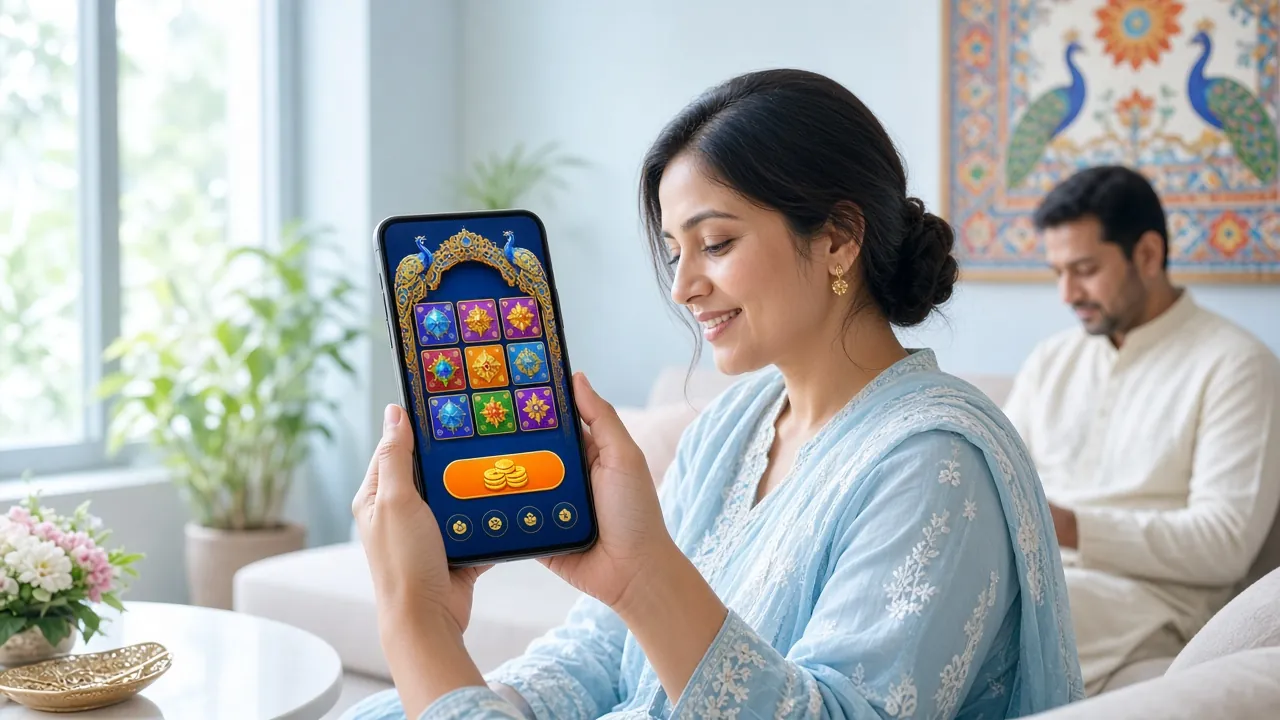
What You Can Play in the App
Every game category available on the full website is built into the 25 takabet app. The lobby loads in under two seconds on 4G.
Slots & Video Games
Spin titles from Red Tiger, CQ9, Habanero, and Evolution — including Mines Gold (RTP 97.0%), Money Coming (97.5%), and Ultra Treasure. Filter by provider, RTP, or min bet directly from the app's lobby screen. Bets start from ৳1 per spin.

Fishing Games
Shade Dragon Fishing (CQ9), Pirate Fishing (JDB, RTP 97.1%), Captain Fisher, and Dragon Fishing by Evolution are all touch-optimised. The tap-to-fire mechanic works well on a phone screen — better than a desktop mouse in most players' experience.

Crash & Aviator
Crash games like Aviator load instantly in the app. You can set auto-cashout thresholds before a round starts, so you do not miss the exit point while the phone is in your pocket. See the full Aviator guide for strategies and provably fair verification.
Live Casino (Evolution)
Join live dealer tables for Teen Patti, Roulette, Baccarat, and more — streamed in HD. Evolution's mobile stream adjusts bitrate automatically, so the game runs smoothly even on a slower 3G connection. Read the live casino guide to learn table limits and side bet rules.
Sports Betting
Place pre-match or live bets on cricket (BPL, IPL, T20, ODI), football, kabaddi, and more. Push notifications let you know when a match you've bookmarked goes live, and odds update in real time in the app — no page refresh needed.
Lottery & Card Games
Super Keno (Red Tiger, RTP 95.5%, min bet ৳10) and Teen Patti (Habanero, RTP 96.9%) are two of the most-played games by Bangladesh members. Keno draws happen every few minutes; Teen Patti deals start immediately. Both run at full speed on the app.
Fix Common Install Problems
Most install errors have a simple fix. If your problem is not listed here, contact 25 takabet's 24/7 Live Chat from the website.
| Problem | Likely Cause | How to Fix It |
|---|---|---|
| "Install blocked" message | Unknown sources not enabled for your browser | Go to Settings → Security → Install Unknown Apps, find your browser in the list, and enable it. Then tap the APK file in your Downloads folder again. This setting is browser-specific — if you switched browsers mid-download, the permission may not carry over. |
| "Parse error" on install | Corrupted or incomplete download | Delete the existing 25takabet.apk file from your Downloads folder. Re-download it from this page on a stable Wi-Fi or 4G connection. Do not close the browser tab while the download is running. File size must be exactly 41 MB — if it's smaller, the download was cut short. |
| App crashes on launch | Android version below 8.0, or conflicting older install | First, check your Android version in Settings → About Phone. You need Android 8.0 or higher. If your OS is new enough, uninstall any previous version of the app before installing the new APK — two conflicting installs can cause crashes on launch. |
| App installed but can't log in | Incorrect credentials or account not yet verified | Confirm your username and password on the website first — go to 25takabet-login and try logging in there. If you see an "account under review" message, complete the identity check in your profile. New accounts sometimes need a brief manual review (up to 2 hours) before the first login on a new device. |
| Games not loading in app | Slow connection or WebView out of date | Check your internet connection — live casino and crash games need at least a stable 3G signal. If connection is fine, update Android System WebView via the Play Store (search "Android System WebView" and tap Update). This component powers in-app web content and must be kept current for games to load correctly. |
Questions About the App
1 Is the 25 takabet APK safe to install on my phone?
2 Why can't I find the 25 takabet app on the Google Play Store?
3 How do I update the 25 takabet app when a new version comes out?
4 Can I use the same account on both the app and the website?
5 What is the minimum Android version needed?
6 Does the app work without Wi-Fi, on mobile data only?
7 How do I withdraw winnings through the app?
Still Need Help?
Our 24/7 Live Chat team can help with install issues, account questions, and payment problems. Average response under 2 minutes.
Open Live ChatQuick links: